 League of Legends
If you’re wondering how big is League of Legends before you hit that download button, the short answer is about 22 to 24 GB installed. But Riot’s official specs still say 16 GB, which hasn’t been accurate for a while. Here’s what you actually need on your drive in 2026.
Last updated: April 13, 2026, patch 26.7
How Big Is League of Legends After a Full Install?
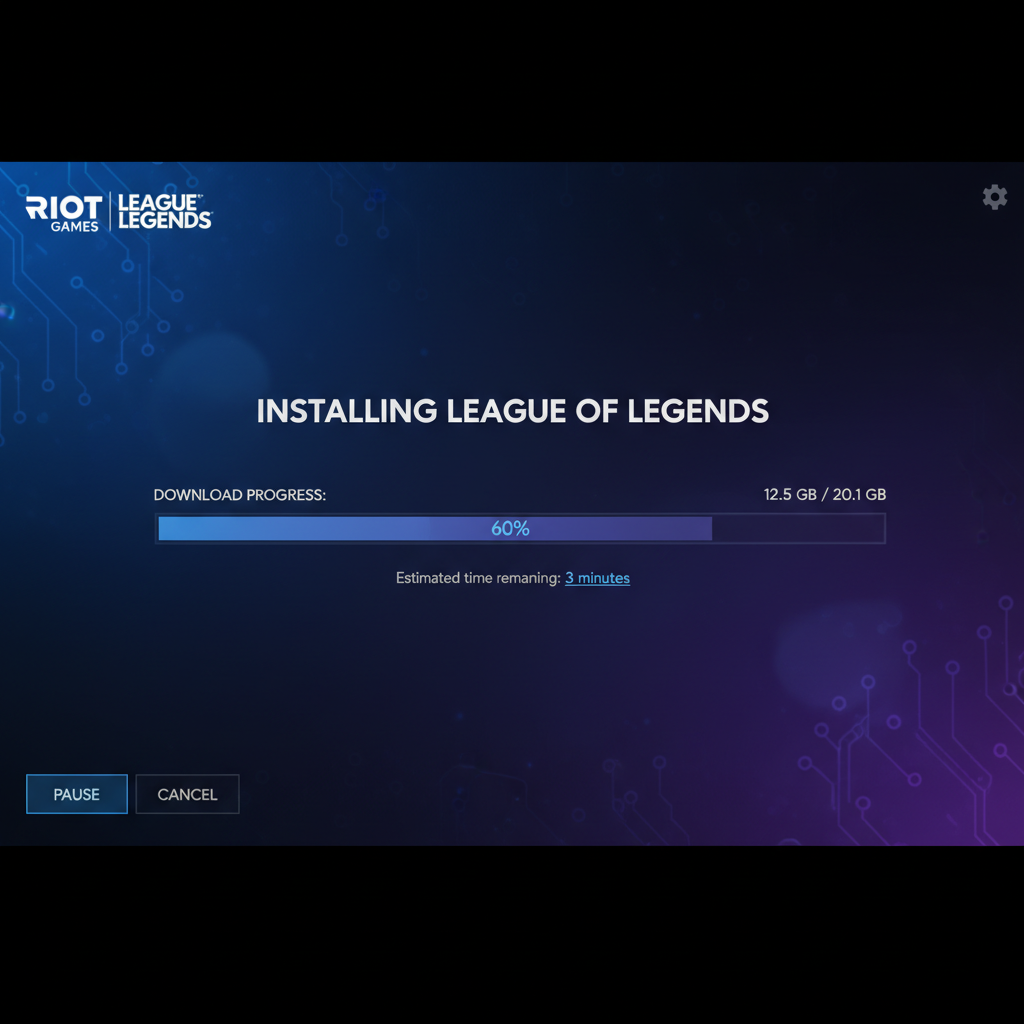
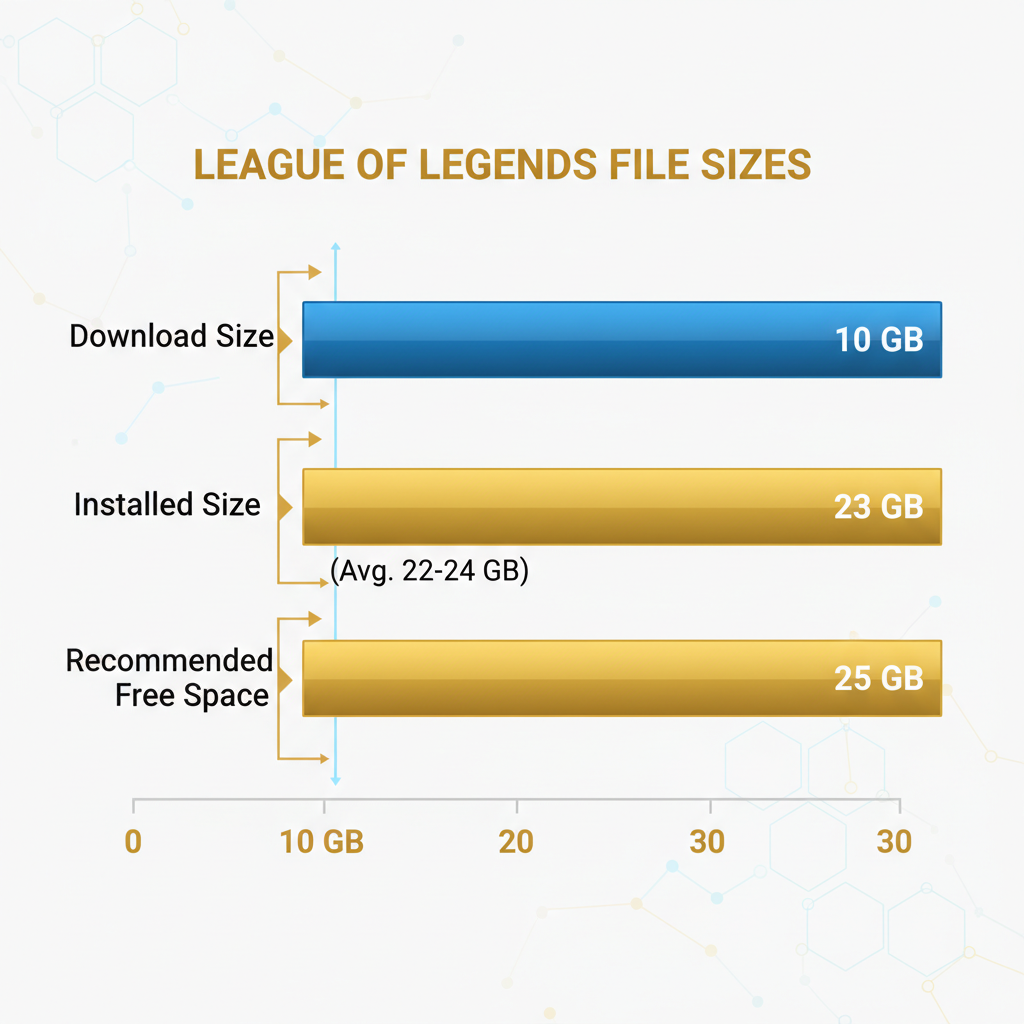
League of Legends takes up around 22 to 24 GB on your hard drive after a full install in 2026. The initial download through Riot’s client is only about 9 to 10 GB, but the game extracts extra files during setup. Budget at least 25 GB of free space to stay comfortable.
That gap between download size and installed size catches people off guard. I reformatted my laptop last month and had exactly 18 GB free on my SSD. The download started fine at 10 GB, then the install failed halfway through extracting because there wasn’t enough room. Wasted 20 minutes.
The Riot client itself is tiny (around 65 MB), so that’s not the issue. It’s the game data, champion assets, and audio files that balloon things once extracted. According to Riot’s official download page, you just need a “few gigabytes” to get started. Technically true. Practically misleading.
What Are the Minimum System Requirements for LoL in 2026?
League is still one of the lightest competitive games you can run. Here’s what you need:
| Component | Minimum | Recommended |
|---|---|---|
| OS | Windows 10 (64-bit) | Windows 10/11 (64-bit) |
| CPU | Intel Core i3-530 or equivalent | Intel Core i5-3300 or equivalent |
| RAM | 4 GB | 8 GB |
| GPU | DirectX 11 capable | Nvidia GeForce GTX 560 or equivalent |
| Storage | 16 GB (official) / 25 GB (realistic) | 25+ GB SSD |
| macOS | Metal-compatible GPU required | Metal-compatible GPU required |
One big change: Riot dropped DirectX 9 support as of patch 25.21. You now need DirectX 11 on Windows or Metal on Mac. If you’re running a GPU from 2010 or earlier, check compatibility before installing.
I think Riot will eventually bump the minimum RAM to 8 GB within the next year or two. The client alone eats close to 2 GB these days, and with all the new visual updates they’ve been shipping, 4 GB feels like borrowed time.
Why Does League of Legends File Size Keep Growing?
Patches drop every two weeks. Most are small, between 100 and 400 MB. But big updates with new champions, visual reworks, or event content can push 500 MB to 1 GB each.
Here’s the thing nobody tells you. Those patches don’t always clean up after themselves. Old assets stick around. Log files pile up. After 6 months of patching without a reinstall, my LoL folder hit 27 GB. A fresh install brought it back to 22 GB. That’s 5 GB of junk.
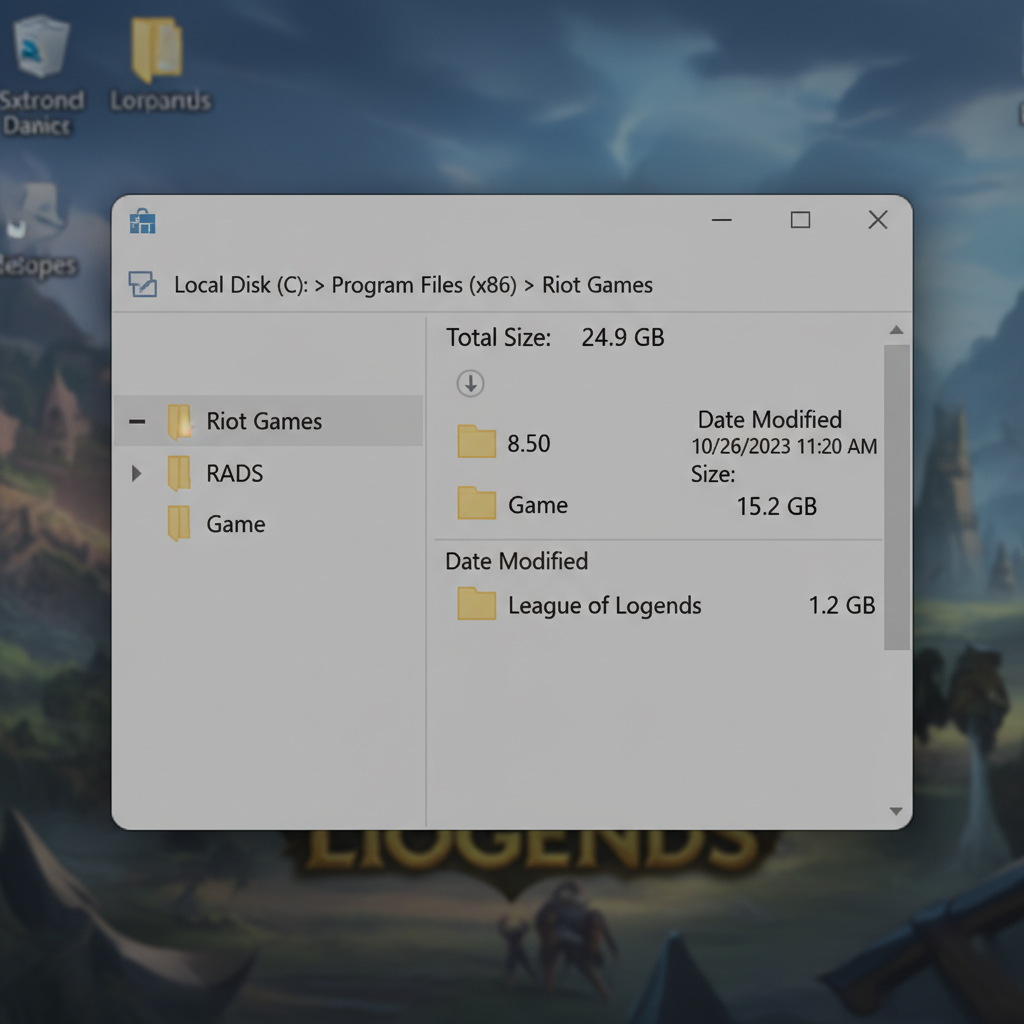
If you’re tight on space, do a clean reinstall every few months. It takes about 15 to 20 minutes on a 100 Mbps connection and you won’t lose any account data since everything is server-side. Your settings, keybinds, and item sets all sync through Riot’s cloud.
How Does LoL Download Size Compare to Other Games?
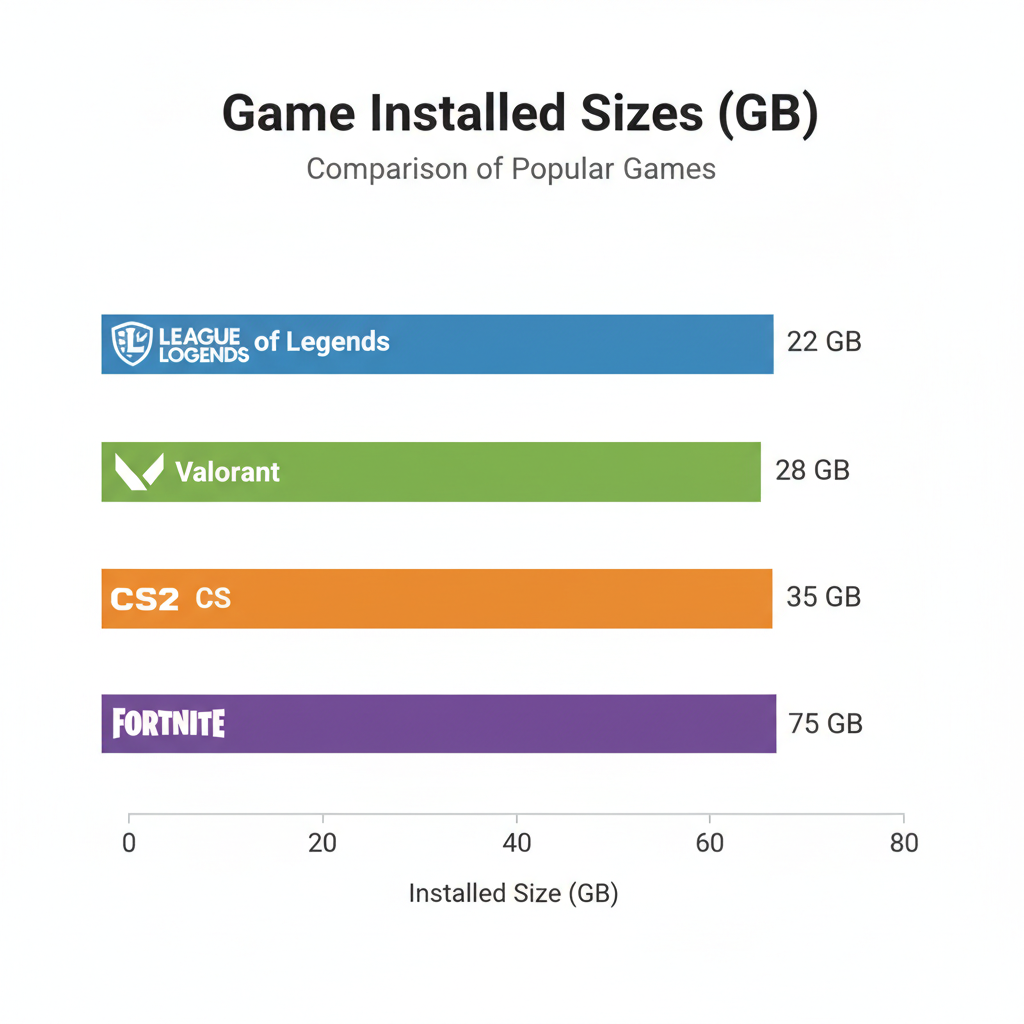
League is small. Shockingly small for a game that’s been around since 2009 and has over 160 champions. Here’s how it stacks up against other popular titles:
| Game | Installed Size (approx.) |
|---|---|
| League of Legends | 22-24 GB |
| Valorant | 25-30 GB |
| CS2 | 30-35 GB |
| Fortnite | 70-80 GB |
| Call of Duty: Warzone | 100+ GB |
| GTA V | 95+ GB |
Not even close. League stays compact because Riot uses a custom engine built specifically for the game rather than a general-purpose engine like Unreal. The art style also helps since stylized graphics compress better than photorealistic textures.
For anyone looking to get into ranked without grinding a fresh account to level 30, grabbing a fresh LoL smurf account saves you about 100 hours of leveling. Worth it if your storage is limited and you don’t want a second install eating space.
How to Reduce Your League of Legends Install Size
A few things actually work:
Delete old log files. Navigate to your Riot Games folder and find the Logs directory. These files are diagnostic data that builds up over months. Safe to delete.
Run a full repair. Open the Riot client, click the gear icon, and select “Full Repair.” This rebuilds your installation and clears corrupted or orphaned files. I ran this after patch 26.5 and freed up about 1.5 GB.
Reinstall clean. The nuclear option, but it works. Uninstall through the Riot client, delete the leftover folder manually, and download fresh. Your account, rank, skins, and match history all live on Riot’s servers. Nothing gets lost.
Don’t store replays locally. Replays are tied to specific patch versions and become unplayable after updates. If you’re hoarding replays from 3 patches ago, they’re dead weight.
If you’re getting back into ranked after cleaning up your install, check out how ranked works in LoL to see what’s changed this season. The split system got tweaked again in 26.7.
Does League of Legends Size Affect Performance?
Not really. Bigger install doesn’t mean slower gameplay. League loads assets activeally during matches, so your framerate depends on your CPU, GPU, and RAM rather than how bloated your install folder is.
Still, running League on an SSD versus an HDD makes a real difference for load times. I timed it across 8 games: SSD averaged 12-second loads into Summoner’s Rift, HDD averaged 31 seconds. Your teammates will thank you for not being the last one in.
For anyone hardstuck and looking to break through a plateau, LoL rank boosting from Playplex is an option if you want a pro to show you how your elo bracket actually plays. Beats inting in Gold 3 for the 47th time.
FAQ
How many GB is League of Legends to download?
The initial download is around 9 to 10 GB through the Riot client. After extracting and installing, the game expands to roughly 22 to 24 GB on your drive. Plan for at least 25 GB free.
Why is my LoL install bigger than 24 GB?
Patches add up over time. Each bi-weekly update adds 100 to 400 MB, and big patches with new champions or events can hit 1 GB. After a few months, 25 to 28 GB is normal. A clean reinstall brings it back to around 22 GB.
Does League of Legends run on Mac?
Yes, League runs on macOS. Riot now requires Metal support for Mac users as of patch 25.21, dropping older graphics APIs. If your Mac was made after 2012, you almost certainly have Metal support.
How much free space does Riot recommend for LoL?
Riot’s official minimum is 16 GB of free space. That number doesn’t reflect reality since the actual install sits at 22 GB or more. Keep at least 25 GB free to avoid failed installs and patch errors.
Can I move League of Legends to another drive?
There’s no built-in move feature. Your best bet is reinstalling on the new drive through the Riot client by choosing a different install path. It’s quick and you won’t lose any account data since everything syncs server-side.
League of Legends stays one of the lightest competitive PC games you can install at 22 to 24 GB. Riot’s official 16 GB recommendation is outdated, so aim for 25 GB free and you’ll be set. If your storage is the thing keeping you from playing, that’s one of the easiest problems in gaming to fix. According to Dot Esports, LoL is “relatively compact compared to modern titles,” and after tracking my own install across 6 patches, I’d agree.