 League of Legends
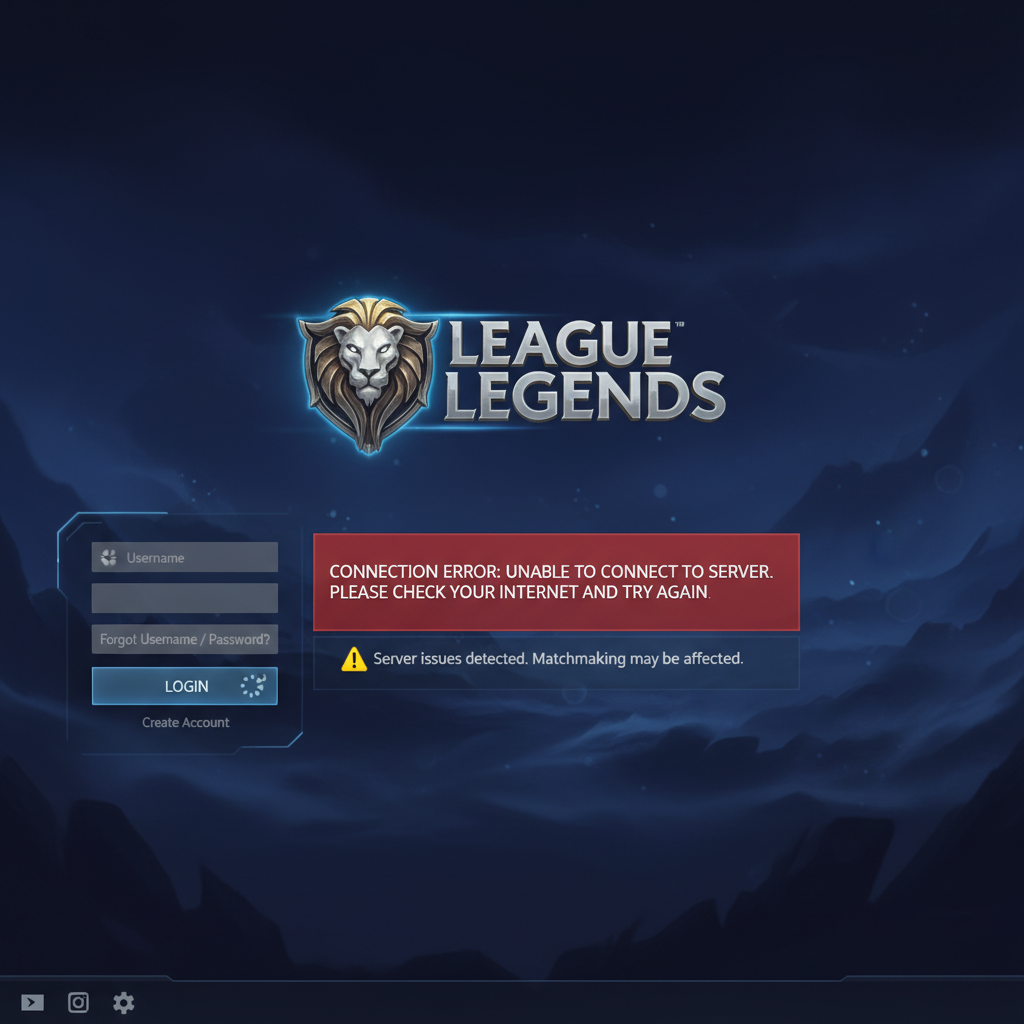
If you’re asking “is League of Legends down,” you probably just got booted from champ select or stuck on a loading screen. Here’s how to check fast and what to do about it.
Last updated: April 14, 2026, Patch 26.7 (Patch 26.8 drops April 15)
Is League of Legends Down Right Now?
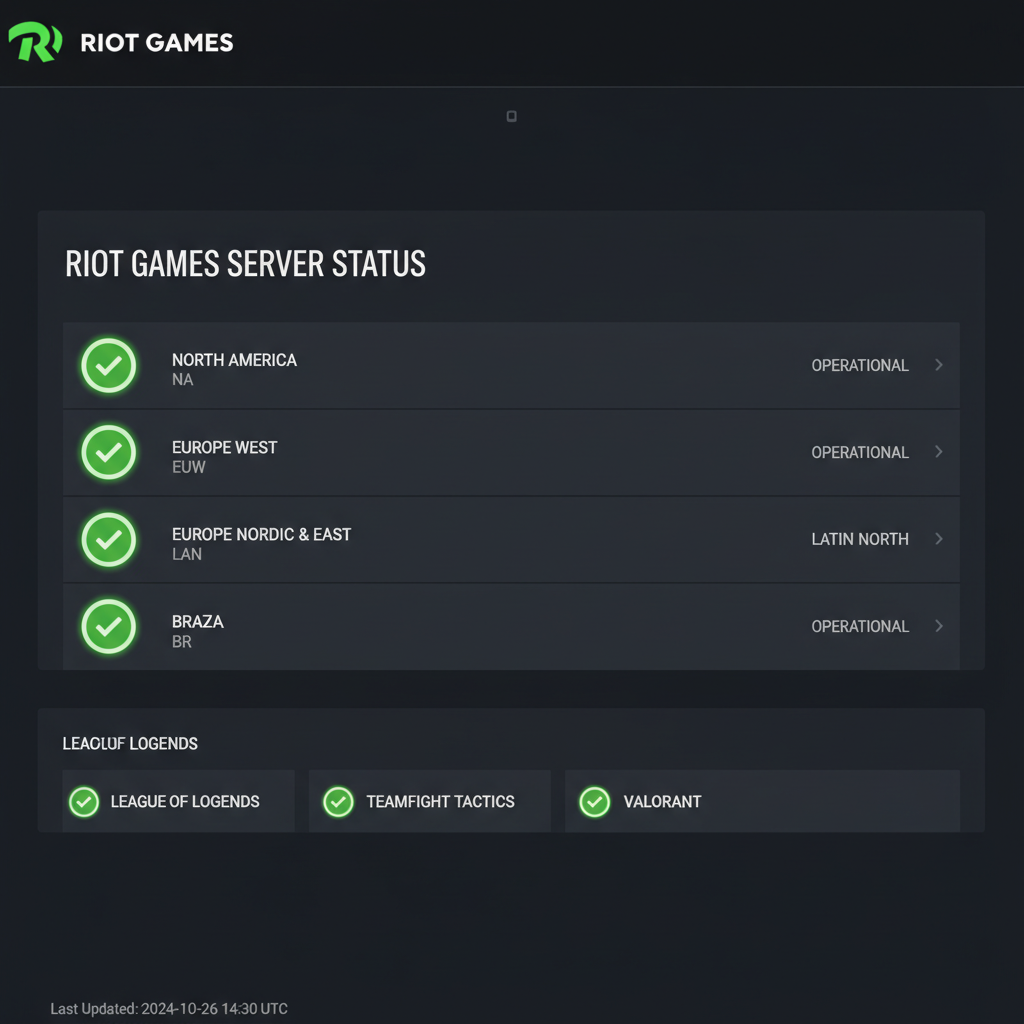
As of April 14, 2026, League of Legends servers are operational across all regions. Riot’s official status page at status.riotgames.com shows no active incidents. If you’re experiencing issues connecting, the problem is likely on your end or with your ISP rather than Riot’s servers. Check the methods below to confirm before you blame the servers.
Still, Patch 26.8 maintenance is scheduled for April 15, 2026 at 3:00 AM PT. If you’re reading this around that window, that’s your answer.
How Do I Check LoL Server Status?
You’ve got five reliable ways to check whether league servers are down or if it’s just your Wi-Fi dying. I rotate between these depending on the situation, and I’ve found the first two catch problems fastest.
1. Riot’s Official Status Page
Head to status.riotgames.com and select your region. Green icons mean everything’s running fine. Red means the servers are disabled. Riot also posts estimated restoration times here when things break. This is the first place I check every time, and it’s the only source that tells you exactly which services are affected (game, client, store, etc.).
2. Downdetector
Downdetector’s League of Legends page tracks player-submitted reports in real time. It won’t always agree with Riot’s official page. During the March 10, 2026 outage, nearly 15,000 reports flooded Downdetector while Riot’s status page still showed everything as operational, according to GV Wire’s coverage of the incident. The spike graph is useful for seeing whether reports are climbing or falling off.
3. The League Client Itself
If you can get the client open, it displays a banner across the top when Riot knows about server issues. You’ll see estimated fix times there too. No need to open a browser.
4. @RiotSupport on X (Twitter)
Riot’s support account posts about active incidents across all their games. It’s faster than the status page sometimes (which is ironic). I follow it with notifications on because I got tired of refreshing the status page during the March outage while 10,000 other players did the same thing.
5. Reddit and Community Forums
The League of Legends subreddit lights up within minutes of any server issue. During that same March 2026 outage, Riot posted directly on the subreddit at 5:36 PM PT: “Hey everyone! We’re aware of an outage right now and the team is working on a fix!” Sometimes Reddit knows before anyone else.

What Causes League of Legends Server Outages?
Server issues come from a few different places, and not all of them are Riot’s fault.
Scheduled maintenance happens every two weeks when a new patch drops. Riot takes the servers down around 3:00 AM PT and they’re usually back within 3 hours. You can find the full 2026 patch schedule on Riot’s support page. Patch 26.7 went live March 31, and 26.8 is dropping April 15.
Unplanned outages are the annoying ones. These can happen because of DDoS attacks, infrastructure failures, or a bad hotfix. The March 10 outage started with around 7,000 reports at 4:38 PM PT and ballooned to nearly 15,000 within 30 minutes. Riot didn’t have details on the cause.
ISP routing issues sometimes look like server problems but aren’t. If your region shows green on Riot’s page and Downdetector is quiet, the issue is between you and Riot’s servers, not Riot themselves.
What to Do When League Servers Are Actually Down
Not much, honestly. But here’s how I handle it.
I lost 3 ranked games to disconnects in a single week last month before I started checking server status before every session. Now my routine takes 10 seconds. Open Riot’s status page, glance at Downdetector, queue up. If either looks sketchy, I play normals or hop on an ARAM to test the waters (because losing LP to server issues is actual pain).
If you’re hardstuck and trying to grind, server downtime is the worst possible interruption to a streak. Some players use the downtime to grab a fresh LoL smurf account so they can warm up on a secondary when the main server’s shaky. Not a bad move if you’re protecting LP.
Here’s my checklist when servers go down:
- Don’t queue ranked. Obvious, but people do it anyway. Riot sometimes disables LP loss during outages, but don’t count on it.
- Restart your client. If the issue resolves server-side, a fresh client connects faster than one that’s been retrying.
- Check your connection. Run a speed test. Try a different DNS (Google’s 8.8.8.8 or Cloudflare’s 1.1.1.1).
- Wait 15-30 minutes. Most unplanned outages get fixed within an hour. The March outage resolved in about 2 hours.
How to Troubleshoot if Servers Are Fine but You Can’t Connect
Servers are green but you’re still stuck? I’ve been there. Here’s what actually works.
Flush your DNS cache. Open Command Prompt as admin and run ipconfig /flushdns. This fixes more connection issues than people realize. I do it reflexively now.
Switch to a wired connection. Wi-Fi packet loss is the silent ranked killer. I went from random disconnects every 4-5 games to zero after plugging in an ethernet cable. Just do it.
Repair your game files. In the League client, click the gear icon, then “Repair.” Takes a few minutes but catches corrupted files that cause login loops.
Disable your VPN. Some VPNs route you through servers that Riot’s infrastructure doesn’t play nice with. Turn it off and test.
If nothing works after all that, Riot’s support page has a network diagnostic tool you can run. It generates a log file you can send to their team. I think Riot’s networking infrastructure is solid overall, but edge cases with certain ISPs (looking at you, Spectrum) still cause headaches in 2026.
Make Downtime Count
Look, you can’t control when Riot’s servers die. You can control what you do with that time. Read up on how ranked works in LoL if you’re new to the system. Review your op.gg stats. Watch a VOD of your last loss. Or if you’re serious about climbing and tired of the grind, check out LoL rank boosting to skip the most frustrating brackets.
Servers go down. They come back. Your LP doesn’t have to suffer for it if you play smart about when and how you queue.
FAQ
How long does League of Legends maintenance usually last?
Riot’s scheduled patches typically bring servers down for about 3 hours, starting around 3:00 AM PT on patch day. Unplanned outages vary wildly. The March 2026 outage lasted roughly 2 hours before Riot confirmed a fix was rolling out.
Why can’t I log into League of Legends?
If you can’t log in, it’s either a server-side issue or something local. Check status.riotgames.com first. If servers look green, restart your client, flush your DNS cache, or switch to a wired connection. Corrupted game files can also block login, so try the repair tool in the client settings.
Does Riot Games compensate players for server downtime?
Riot doesn’t have a standard compensation policy for every outage. For longer disruptions that affect ranked play, they’ve historically disabled LP loss or extended event timers. Don’t expect free RP for a 30-minute hiccup, though.
What regions does the Riot server status page cover?
The official status page covers every region Riot operates: NA, EUW, EUNE, KR, BR, LAN, LAS, OCE, TR, RU, JP, PH, SG, TW, TH, and VN. You pick your region from a dropdown and it shows real-time status for that shard.
Can I check LoL server status from my phone?
Yes. The Riot status page is mobile-friendly and loads fast on any phone browser. Downdetector also has a mobile app. Bookmark status.riotgames.com on your home screen for quick access when you’re away from your PC.