 League of Legends
Changing your name in League of Legends used to be a straightforward process, but after Riot Games transitioned from Summoner’s names to Riot IDs, many players got confused about how to do it. Back in the day, you had to spend either 13,900 Blue Essence or 1300 RP to change your LoL name. But times have changed: a Riot ID change is now free, and the process is different.
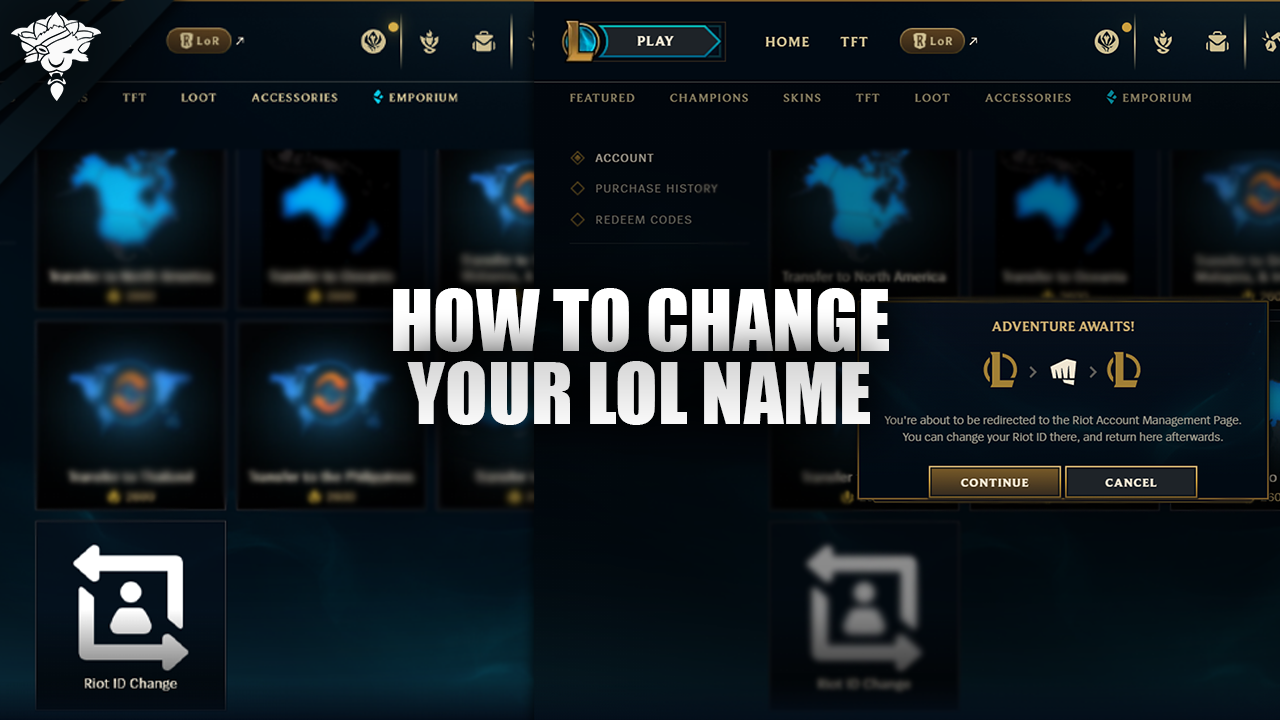
How To Change Your LoL Name
Changing your League of Legends name is a straightforward process. All you need to do is follow these easy steps:
-
Head to the in-game store in the LoL client.
-
Click on the “Account” button in the store.
-
Choose the option labeled “Riot ID Change.”
-
You’ll be redirected to account.riotgames.com. On this page, you can choose your new desired game name and tagline.
You can also skip the client: go to your Riot Account page, change your Riot ID and tag, and click Save Changes.
Keep in mind that Riot has a limit on how often you can change your name. You can only do it once every 90 days. The change is free, and Riot doesn’t offer a paid way around the cooldown.

FAQs
Why can’t I change my Riot ID?
If you’re unable to change your LoL name or Riot ID, it could be caused by Riot Games cooldown period where you can only change your name once every 90 days. Another possibility is that the new name you’re trying to use doesn’t follow Riot’s naming guidelines: game names must be 3 to 16 alphanumeric characters, taglines must be 3 to 5, and once you’ve changed your tagline you can’t go back to a region code like NA or EUW.
If you’ve confirmed that it’s been over 90 days since your last name change, and the new name should be acceptable based on the guidelines, but you’re still unable to change it, try contacting Riot’s support.
Will changing my Riot ID affect Valorant?
Yes, your Riot ID is a universal account name used across all Riot games. So if you change your Riot ID for League of Legends, it will also change your name in other Riot titles like Valorant and Teamfight Tactics.
Also Read: How to get better at League of Legends
Conclusion
To sum up, Changing your League of Legends name is a simple process that gives you a fresh new identity on the Rift. By following the few easy steps outlined in this guide, you can update your Riot ID and game name whenever you want, as long as you respect the 90-day cooldown period.
But why stop there? If you want to take your game to the next level and dominate the competition, check out our high-quality League of Legends accounts, and professional League of Legends services.